[Bookmark]
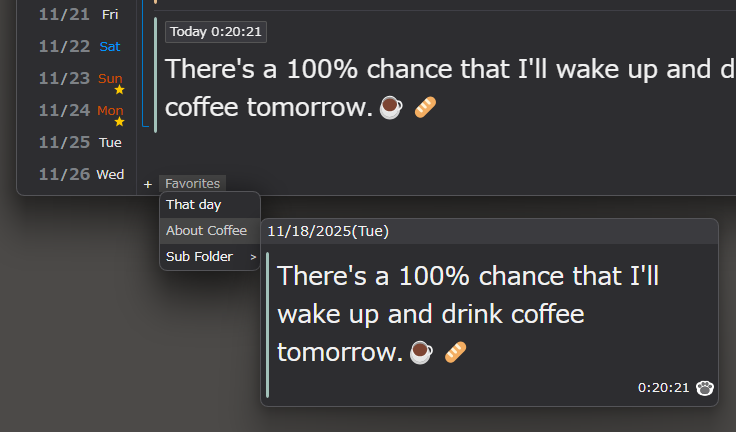
You can bookmark your favorite articles.
To add an article to your bookmarks bar, either right-click on the article and add it,
or drag and drop the date of the article onto your bookmarks bar.
Drag and drop to add directly to your desired folder.
Click the + on the left side of the bookmarks bar to add a new folder.
Folders can be moved by drag and drop just like articles.
Double-click on each item in the bookmarks bar to rename it.
To delete an item, right-click it and select Delete.
 Click to enlarge
Last updated: 11/23/2025(Sun)